By Daily Carry Lab. Primary documentation checked October 14, 2026 (Pacific).
Affiliate disclosure: As an Amazon Associate, Daily Carry Lab earns from qualifying purchases. Retailer links may earn a commission at no extra cost to you. Manufacturer links provide evidence.
Research disclosure: We have not tested these products. This is a comparison of documented connections and limitations, without DCL ratings or measured performance.
Choose travel headphones by the connections you will actually use. A Bluetooth headset may also play from a seat-back socket, but that does not establish active noise cancellation with an empty battery or a working microphone over the analog cable. Sony WH-1000XM6 black and Sennheiser MOMENTUM 4 Wireless black are documented options for these decisions. We selected them because their manuals explain cable mode and transport; we have not ranked their sound, comfort or noise reduction.
Start with the power state
| Documented capability | Sony WH-1000XM6 | Sennheiser MOMENTUM 4 |
|---|---|---|
| Analog listening without battery power | ✓ | ✓ |
| ANC during analog listening with battery power | ✓ | ✓ |
| ANC with an empty battery | — | — |
| Bluetooth remains active with analog cable inserted | — | — |
Sony’s manual says its supplied headphone cable supports listening with the headset off, while noise cancellation requires switching it on. Inserting that cable disables Bluetooth. Sennheiser’s cable instructions likewise permit listening with an empty battery and deactivate Bluetooth; ANC remains available when the rechargeable battery is charged. Sources: Sony WH-1000XM6 help guide, MOMENTUM 4 cable mode.
Keep enough charge for the ANC portion of the trip even when the audio comes through a cable. Passive playback is a fallback for listening, not a promise of identical sound or noise reduction. Follow the airline’s actual instructions about wireless use; having a cable does not establish permission to use any device at every stage of flight.
Check the socket and microphone separately
Sony instructs users to insert the L-shaped end of the supplied cable into the playback device. For a phone call in cable mode, its manual directs you to answer on the phone and speak into the phone’s microphone, while hearing the caller through the headphones. Do not choose this path for a laptop meeting on the assumption that the earcup microphones will carry your voice.
Sennheiser’s included analog cable has a 3.5 mm source end and a 2.5 mm headphone end. Its cable-mode page says controls for music, phone calls and voice assistant are unavailable. The reviewed evidence does not establish the analog cable as a microphone input for your computer. Verify the meeting application’s input selection separately. MOMENTUM 4 package contents.
| Your source | Check before departure | Drawback to plan for |
|---|---|---|
| Single analog seat-back socket | Correct source plug and supplied headphone cable | Seat hardware and socket geometry vary |
| Airline socket with a different arrangement | Exact airline/socket adapter requirements | Neither reviewed headphone identity verifies an adapter bundle |
| Phone without analog output | Appropriate audio-output adapter for that phone | A charging-only adapter cannot establish an audio path |
| Bluetooth phone or laptop | Pairing and the app’s actual speaker/microphone selections | Successful music playback does not prove meeting input selection |
| Wired phone call with Sony | Keep phone microphone accessible | Headset cable mode uses the phone’s microphone |
We have not verified a universal airline adapter or a specific phone dongle. Buy either only after checking the source connection; no separate accessory model is recommended here.
Pack the case, not just the earcups
Both manuals provide carrying instructions. Sony’s guide describes folding and its carrying case. Sennheiser instructs users to place the headphones in the case as illustrated and describes automatic switch-off; its sensor can behave differently when a powered headset is hung on a bag edge or loose inside a bag. Follow the illustrated storage position rather than forcing a hinge or relying on loose-bag detection. MOMENTUM 4 storage instructions.
A common packed external case dimension is not established by the sources reviewed here, so we do not declare either the smaller bag choice. Check the case envelope against your bag before purchase. Sennheiser lists approximately 293g for the headphones and up to 60 hours of Bluetooth music with ANC; this is a manufacturer rating under its conditions, not our measured travel endurance. MOMENTUM 4 specifications.
Budget and choose the complete setup
| Exact option | Budget evidence checked October 14, 2026 | Useful decision | Drawback |
|---|---|---|---|
| Sony WH-1000XM6 black | Current US checkout price unknown; no price ceiling | Manual explicitly describes analog listening and phone-call microphone path | Analog cable disables Bluetooth; ANC needs power |
| MOMENTUM 4 Wireless black, retailer part 509266 | Current US checkout price unknown; no price ceiling | Documented analog fallback and rated battery conditions | Analog mode removes call/music/assistant controls; packed case size unresolved |
| Keep suitable headphones already owned | No new headphone purchase if they meet the actual connections | Verify cable, battery and microphone behavior first | Existing ownership does not prove seat or adapter compatibility |
Amazon identities were checked October 14: B0F3PQHWTZ for Sony WH-1000XM6 black and B0B6GHW1SX for MOMENTUM 4 black, part 509266. These checks establish the listed model/color, not current stock, genuine product photographs or a retailer performance claim. For carry organization, read the tech pouch guide. Select the headphone whose documented mode fits your source, and then verify the whole audio path before departure.
If you listen while charging, check the operating limits
Sony explicitly permits using WH-1000XM6 while charging. Its charging guidance, page 26, checked October 22, 2026, also describes a limit that matters for a long work session: charging stops at approximately 80% during use, and does not start when the level is already above 80%. The threshold is approximate and can vary with the environment.
| Expected routine | Documented constraint | Decision |
|---|---|---|
| Listen while replenishing the battery | Charging during use stops near 80% | Do not plan on reaching full charge during that session |
| Use a desk power source during a call | Charging conditions can cause electrical noise; functions may not work correctly | Try your actual permitted power/audio setup before depending on it |
| Connect the USB-C cable for audio | This section establishes charging capability only | Verify an audio path separately; a charging connection does not prove USB audio |
If quiet, uninterrupted calls during charging are essential, this permission alone is insufficient purchase evidence. Budget for the actual power/audio arrangement; costs are unknown. DCL has not tested charging noise, calls or charge thresholds. These Sony instructions do not establish MOMENTUM 4 behavior. Keep the separate analog-cable and microphone constraints above in the decision.
Compare the phone and laptop handoff before buying for multipoint
A headset that stays connected to two devices can still interrupt work in ways you did not intend. For Sony WH-1000XM6, YY2984, the Help Guide’s multipoint section, printed pages 77–78, checked October 24, 2026, describes the media and call rules separately. These rules do not establish MOMENTUM 4 behavior.
| Intended use | Sony’s documented rule | Purchase check |
|---|---|---|
| Two Bluetooth hosts ready | Enable Connect to 2 devices simultaneously in Sound Connect after pairing | Keep a suitable app device available for setup |
| Start music on the second host | Second-device playback becomes audible even if the first was playing | Test whether notifications or another app take over unexpectedly |
| Connect a third paired host | Last music-playing host stays; the other connection drops | Three remembered devices are not three simultaneous connections |
| Second phone call arrives during the first | Second call can be answered or rejected from the headset; ending the first requires its connected device | Keep the actual call device accessible |
Sony says a first call left unfinished continues silently while the second is taken, then returns after that call ends. Do not treat changing the audible call as proof that the first conversation has ended. These are the maker’s phone-call rules, not a guarantee of identical conferencing-app behavior on a work laptop.
For an actual buying comparison, write down the phone, laptop, call application and audio source you intend to use. Try that arrangement during an available demo or evaluation opportunity; no seller return terms are established here. DCL has not tested call priority, handoff timing, microphone quality or notification interruptions.
Budget and drawback: current complete-kit costs remain unknown. If an existing headset already handles the required transitions, a new multipoint label need not justify replacement. If uninterrupted laptop work is essential, confirm whether you can manage phone notifications and device connections acceptably. Sony suggests lowering notification/operation sounds or disabling them when switches occur unintentionally; that is a troubleshooting suggestion, not a promise that every interruption can be prevented. Keep the analog-cable restrictions above separate from this Bluetooth decision.
Moisture detection does not make WH-1000XM6 waterproof
For a damp commute or a bag that also carries wet clothing, include protection and drying time in the headphone choice. Sony says WH-1000XM6 is not waterproof. Its newer charging-port water-detection feature does not change that statement or establish suitability for rain or exercise. WH-1000XM6 Help Guide, charging and water-detection sections, printed pages 26–27, checked October 25, 2026.
| Situation | Sony’s documented boundary | Practical decision |
|---|---|---|
| Want charging-port abnormality notifications | Water detection requires headset software version 2.0.0 or later | Confirm the installed version; do not assume every shipped unit already has it |
| Water or foreign material detected in the port | Voice guidance and Sound Connect notification; do not connect the charger during the abnormality | An alert is a reason to stop, not permission to charge through it |
| Water droplets remain in the port | Allow complete drying before charging | Leave time and another listening option if the unit cannot be charged |
| Use another USB-C cable | Sony says water detection may malfunction with cables other than the supplied one | Connector fit does not establish identical detection behavior |
Sony separately says to disconnect the USB-C cable from the connected device and stop charging if liquid such as drinking water or sweat wets the cable or port while charging. We do not supply a drying-time estimate, suggest heating the headset, or treat the absence of a warning as proof the port is dry. The guide’s charging-while-listening permission above assumes a suitable setup; it does not override these precautions.
For purchase planning, ask whether the intended environment and storage arrangement can keep the headphone and cable dry. Separate them from wet gear and follow the exact care instructions after exposure. Those are preparation recommendations, not a water-resistance or packing test DCL performed. A protective case also does not establish a waterproof assembly.
Budget and drawback: current protective-storage, service and replacement totals are unknown. Paying for this Sony model because it offers an app alert does not resolve a requirement for documented wet-weather use. If that requirement is essential, obtain explicit evidence for an appropriate alternative before selecting. These statements do not establish MOMENTUM 4’s protection or charging behavior, and no water-detection reliability result is claimed.
Choose LE Audio only after checking the controls you need
For Sony WH-1000XM6, a low-latency connection is a different purchase decision from the phone-and-laptop multipoint behavior above. Sony’s current WH-1000XM6 Help Guide, printed pages 40–41, 100–101 and 125, checked October 27, 2026, describes LE Audio with LC3 and its setup requirements. Both the Android smartphone and headset must support LE Audio, and Sony requires the latest headset software and Sound Connect app. Successful ordinary Bluetooth playback does not establish that this path is available.
| Required experience | Documented Sony boundary | What to establish before buying |
|---|---|---|
| Low-latency Android listening | LE Audio prioritizes latency; Sony warns that connection stability can be lower than Classic Audio | Check the exact phone’s support and the available app setting; no DCL latency measurement is supplied |
| Quick Access or voice-assistant setup | The app guide marks these functions unavailable during LE Audio connection | Do not assume every advertised convenience feature remains available in this mode |
| Seamless playback with speakers through Auto Switch | Also marked unavailable during LE Audio connection | Decide whether speaker handoff matters more than the low-latency path |
| Return to Classic Audio after stuttering | Sony documents switching back through Sound Connect; Xperia 1 IV/5 IV use different setting names | Keep access to the compatible app and follow the exact phone-specific instructions |
For supported phones other than Xperia 1 IV/5 IV, Sony’s setup example uses Bluetooth Connection Quality → Low latency. Its Xperia 1 IV/5 IV example instead uses Headphone connection setting → LE Audio Priority. The guide then includes removing the old Classic Audio pairing and pairing again. Merely selecting a music codec or seeing a Bluetooth connection is insufficient evidence that the complete setup has succeeded: Sony’s final check is that Sound Connect displays LE Audio beneath the headset name. Menu wording and availability can change with the app and device.
The app guide also marks Service Link, Easy pairing and its Bluetooth sound-quality-mode setting unavailable during an LE Audio connection. Read those restrictions alongside the initial setup procedure; the ability to configure a mode before connecting does not mean every setting remains usable while that connection is active. These are exact Sony documentation limits, not a claim that all headset controls stop working.
Budget and drawback: the cost of a compatible replacement phone or other accessories is unknown. Confirm your existing phone, software and required controls first; a new headphone purchase alone cannot supply missing host support. If ordinary listening and the convenience features already meet your needs, retain that setup instead of buying solely for a low-latency label. We have not tested latency, stability, app behavior or game compatibility. This Android procedure does not establish LE Audio support for your iPhone, work computer, airline transmitter or the MOMENTUM 4.

Before buying a meeting headset, check the computer call path
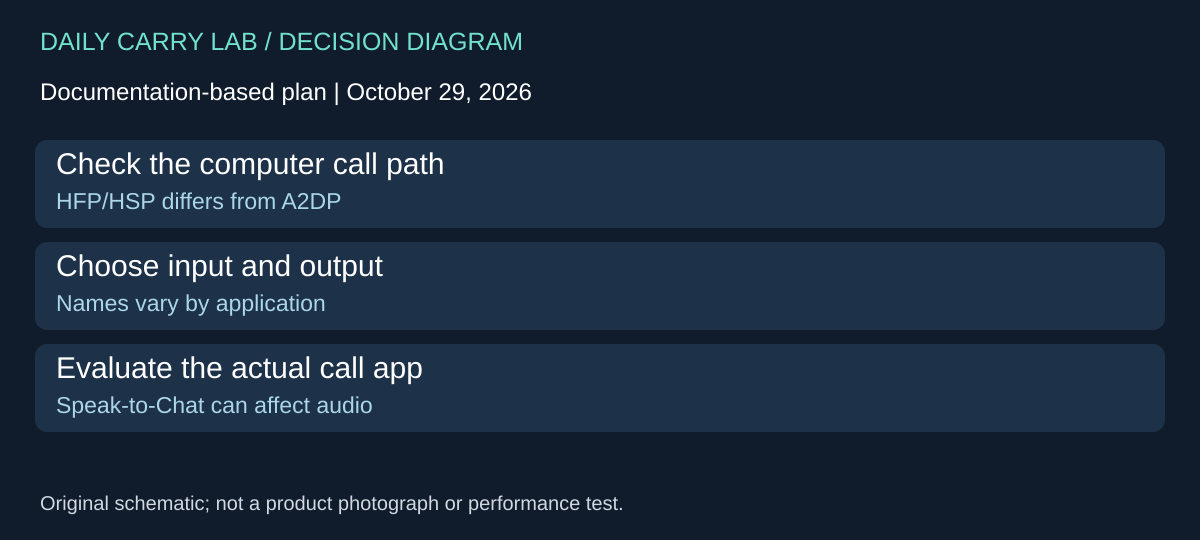
If WH-1000XM6 already meets your listening needs, verify its documented computer-call setup before adding a separate meeting headset to the bag. The Sony WH-1000XM6 Help Guide, printed pages 114–115, checked October 29, 2026, distinguishes Bluetooth calling connections, HFP/HSP, from A2DP music playback. This is a computer-call decision, separate from the Android LE Audio and analog-cable sections above.
Sony directs the user to check both speaker and microphone selections in the video-calling application. In its example, the calling entry is Headset (WH-1000XM6 Hands-Free), while the Stereo headphone entry is for music. Some computers or applications show only WH-1000XM6, and names vary. Use the documented function and the actual app choices rather than expecting those exact menu strings everywhere.
| What you observe | What the source establishes | Decision before a new purchase |
|---|---|---|
| Music plays over Bluetooth | A2DP is the music path; Sony directs calls to HFP/HSP | Playback alone does not validate call input |
| App lists separate speaker and microphone entries | Sony says to select the calling connection for both | Confirm both selections, not just audible output |
| App shows one WH-1000XM6 entry | Sony explicitly allows that display variation | Do not reject the setup only because Hands-Free is absent |
| App cannot expose the intended selections | Guide suggests checking computer sound settings; app support remains conditional | Resolve the actual host/application path before relying on it |
| Audio becomes quiet when you speak | With Speak-to-Chat enabled and microphone settings incorrect or unavailable, voice detection can trigger the mode | Check settings and that feature rather than assuming hardware failure |
A practical evaluation is a short call in the actual computer/application combination, with the selected microphone explicitly checked. Confirm that the remote side hears the intended input and that speech does not unexpectedly reduce incoming sound. This is a proposed buyer check, not a test DCL performed. Sony warns that behavior can depend on the computer or application and may improve after a restart; it does not guarantee that every combination works.
This information helps separate two purchase reasons. A connection configured incorrectly may be repairable without new hardware. A work application that cannot support the required path may still justify another documented setup, but music playback and a Bluetooth label cannot establish that alternative either. We have not compared voice quality, reliability, latency or workplace software policies.
Budget and drawback: current delivered headset and adapter totals are unknown. First identify the computer, calling app and input requirement. If the existing setup passes that evaluation, retaining it avoids a redundant item; if it fails, record the exact unmet requirement before comparing replacements. These Sony Classic Bluetooth instructions do not establish MOMENTUM 4 behavior, LE Audio computer calling or microphone operation through the analog cable.
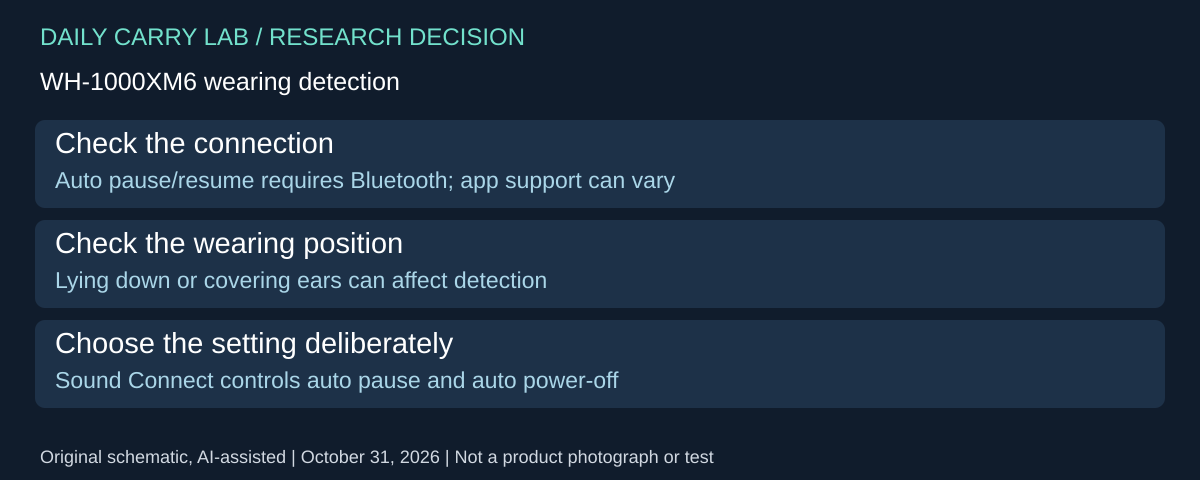
Check wearing detection before replacing a headset that pauses unexpectedly
For a traveler choosing WH-1000XM6 for reclining listening, wearing detection is a practical compatibility check. Sony’s exact-model wearing guide, checked October 31, 2026, distinguishes the listening connection from the sensor-controlled behavior. Its factory setup pauses music when the headset is removed, resumes on wearing it again, and turns it off after 15 minutes unworn.
| Intended use | Documented boundary | Decision before replacement |
|---|---|---|
| Automatic pause and resume | Bluetooth only; the connected device or playback app may not support it | Check the actual source and app |
| Supplied analog headphone cable | Wearing detection does not work with that cable connected | Do not buy for automatic pause in this wired arrangement |
| Listening while lying down | Face-up/down positioning can interfere with detection and controls | Evaluate the posture you actually use |
| Headset worn over hair, a cap or fabric | Detection may not work properly | Check positioning before interpreting a pause as a fault |
Sony allows the automatic pause/resume and automatic power-off settings to be changed in Sound Connect. It also advises turning the headset off when storing it: a bag or other object can cause incorrect detection. Those instructions do not establish a battery saving amount or certify every reclining position.
Buying implication: describe the failure before spending: which connection, which app, which wearing position, and whether the problem is playback pausing or the headset powering off. Try the relevant documented setting with your own equipment while you can still check fit and controls. If the existing headset then serves the intended use, a replacement may add no useful function. Current replacement totals are unknown. We have not tested detection, comfort, or reliability, and these Sony controls do not establish MOMENTUM 4 behavior.
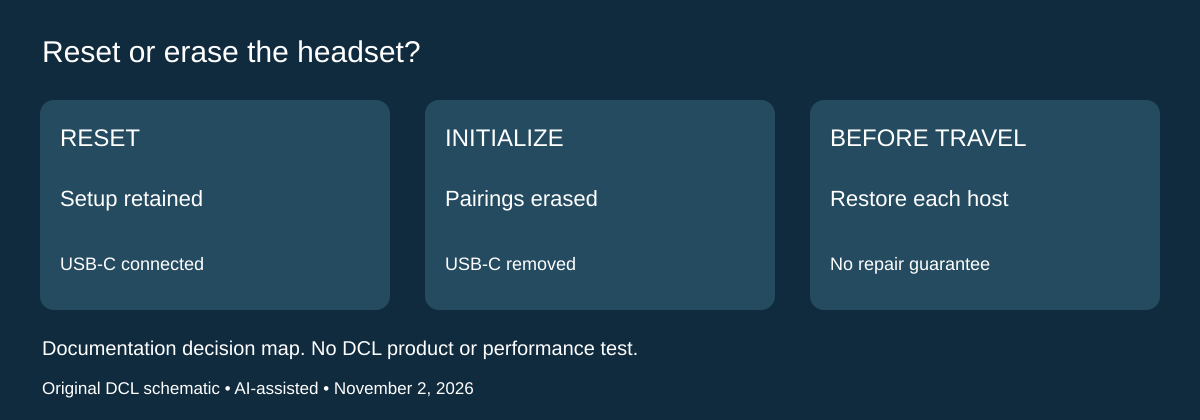
WH-1000XM6: distinguish a reset from erasing the travel setup
Research checked November 2, 2026. If an existing Sony WH-1000XM6 stops responding before a trip, distinguish its two recovery operations before deciding to replace it. A reset preserves the setup; initialization removes pairing information. Neither is a promised repair or a substitute for the charging-port precautions above.
| Operation | Exact-model instructions | Consequence for the kit |
|---|---|---|
| Reset an unresponsive headset | Connect to an AC outlet with the supplied USB-C cable and a USB AC adapter; hold Power and NC/AMB for about five seconds | Pairing information and other settings remain |
| Initialize after reset does not resolve the problem | Turn the headset off, remove USB-C, and hold Power and NC/AMB for about ten seconds | Factory settings return and all pairing information is deleted |
| Restore connection after initialization | Delete the headset’s old pairing entry on the connected device, then pair again | Reserve access and time for each device you need |
Sony’s reset instructions describe the charging indicator turning off and on again. Its initialization instructions specify four blue flashes on completion. The cable state and hold duration differ: these are not interchangeable names for the same button press.
Before departure, keep the exact-model instructions accessible and note which phone and computer must reconnect. That preparation is DCL advice. Do not initialize casually moments before a meeting when you cannot restore the needed pairing. If the headset still does not operate correctly after initialization, Sony directs you to its support contact or a dealer; this guide does not diagnose the fault remotely.
Budget and drawback: evaluate documented recovery before buying a duplicate headset, but do not assume recovery will succeed or that service is free. Current repair and replacement totals are unknown. We have not performed these operations or tested recovery reliability. This procedure applies to WH-1000XM6; it does not establish the controls or consequences for MOMENTUM 4, an airline transmitter or another Sony model.
Shop the researched models
These Amazon links are affiliate links. Daily Carry Lab may earn a commission from qualifying purchases. Match the model and included contents to your needs; this guide is based on manufacturer-source research, without hands-on testing.
-
Sony WH-1000XM6 (black)
Check Sony WH-1000XM6 (black) on Amazon -
Sennheiser MOMENTUM 4 Wireless 509266
Check Sennheiser MOMENTUM 4 Wireless 509266 on Amazon
Sources and limits
This guide compares published specifications and source documentation. Daily Carry Lab has not performed hands-on tests of the products in this guide. Consult the dated sources and verify the exact model and current terms before buying.
- helpguide.sony.net primary documentation
- cdn.sennheiser-cloud.com primary documentation
- cdn.sennheiser-cloud.com primary documentation
- cdn.sennheiser-cloud.com primary documentation
- cdn.sennheiser-cloud.com primary documentation
- Check wearing detection before replacing a headset that pauses unexpectedly primary documentation
- Sony WH-1000XM6 resetting procedure
- Sony WH-1000XM6 factory initialization
Related guides
iPhone 18 Pro: Wrist Strap or Crossbody Strap, with the right case
Compare exact Apple Wrist and Crossbody strap packages for iPhone 18 Pro by attachment, length, complete cost and limitations.
iPhone Duo cases: Apple Case versus Folio with Kickstand
Compare exact Apple iPhone Duo Case and Folio parts by coverage, viewing support, charging arrangements, separate equipment and dated US prices.
Portable label makers: choose phone control or a built-in keyboard
Compare Brother PT-P300BT CUBE and PT-H110 by phone dependence, TZe tape widths, power and cable-label workflow.
Travel AA/AAA chargers: match the cells, slots and USB input
Compare four-slot AA/AAA charging systems by exact chemistry and USB input. Includes conditional XTAR BC4 research and explicit operating-manual limits.